
Invoices, quotes, customers, payments, receipts, credit notes, reminders and tax are always on. Everything else is an extra you can show or hide. Hidden extras keep the menus short; nothing is lost.
-
1Open Settings › Features
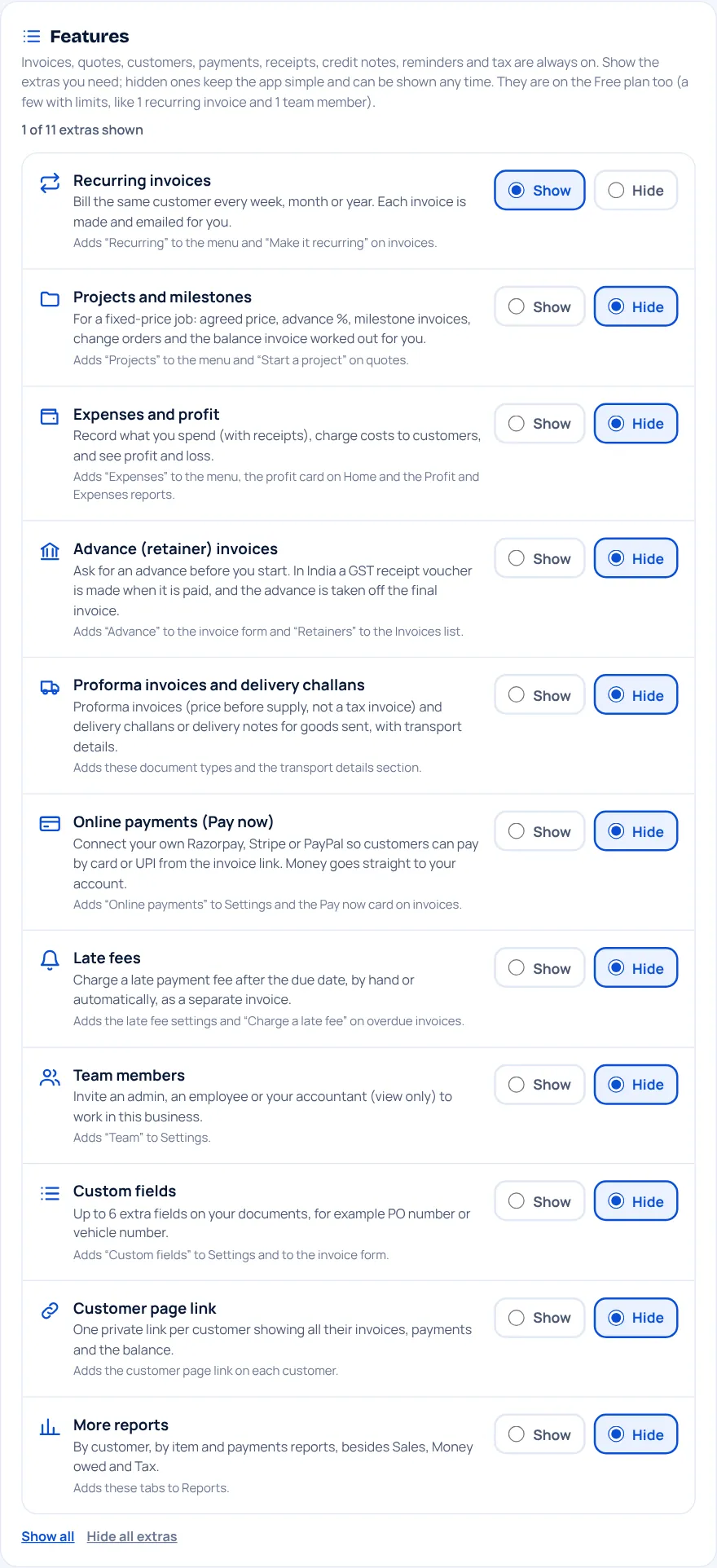
Each extra says what it does and what it adds to the app. Choose Show for the ones you need. Show all shows everything at once.
-
2What each extra is for
Recurring invoices: bill the same customer every week, month or year. Projects and milestones: advance, milestone and balance invoices for fixed-price jobs. Expenses and profit: record what you spend and see profit and loss.
Advance (retainer) invoices, Proforma invoices and delivery challans, Online payments (Pay now) with your own Razorpay, Stripe or PayPal, Late fees, Team members (an admin, employee or your accountant), Custom fields such as PO number, a Customer page link and More reports.
Good to know
- An extra you are already using cannot be hidden, so you never lose track of your data.
Questions
Do extras cost money?
No. They are on the free plan too, with a few limits (for example 1 recurring invoice and 1 team member). Pro removes the limits.