
Reminders are emails to your customer about an unpaid invoice, with the PDF and the link to pay. They stop by themselves once the invoice is paid.
-
1Turn reminders on
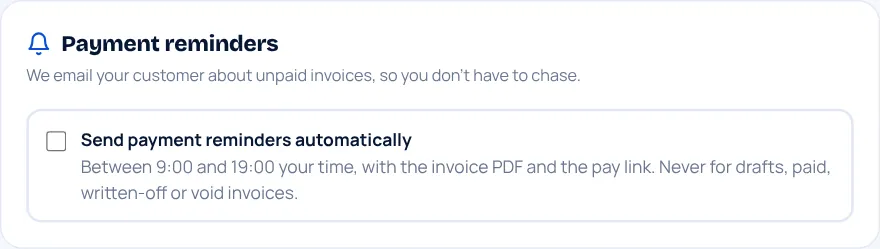
Open Settings › Payment reminders and tick Send payment reminders automatically. Then choose when they go: for example 3 days before the due date, on the due date, and 7 and 15 days late.
Reminders go out between 9:00 and 19:00 in your time, never for drafts, paid, written-off or cancelled invoices.
-
2Turn them off for one invoice
On an invoice, the Payment reminders card shows the next reminder. You can switch reminders off for that invoice only, for example while a customer is arranging payment.
-
3Send one now
To remind a customer straight away, open the invoice and press Email: for an overdue invoice the message is already written as a friendly reminder.
Good to know
- Customers who pay through online payments are marked paid automatically, so they never get a reminder after paying.
Questions
Will my customer be annoyed?
The reminders are short and polite, and only go on the days you choose. Most customers simply forgot, and pay after the first reminder.